What is a CV Draft?
A CV draft is what you need to take the first step in your employment journey. It is a document that summarizes your educational background, work history, skills, and accomplishments. Think of it as your personal marketing brochure, designed to make a lasting impression on recruiters and hiring managers.
What Should a CV Draft Include?
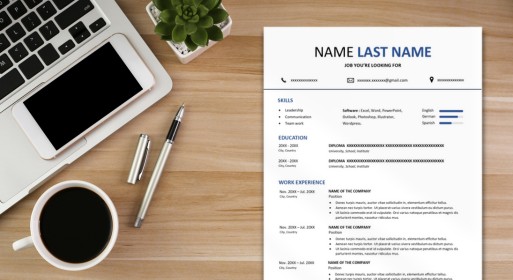
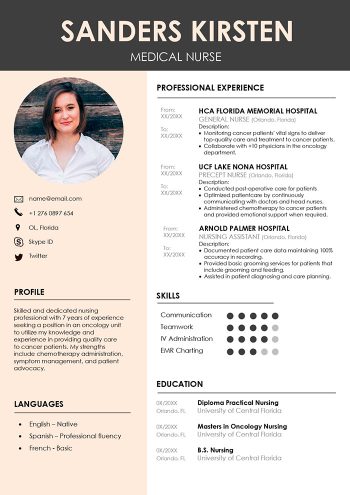
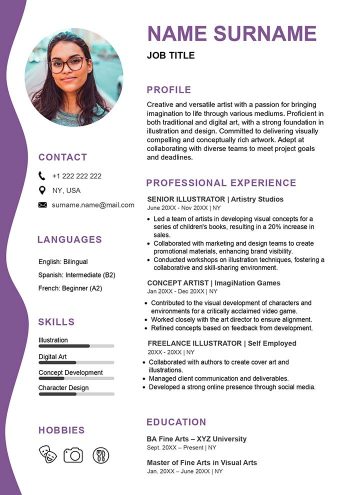
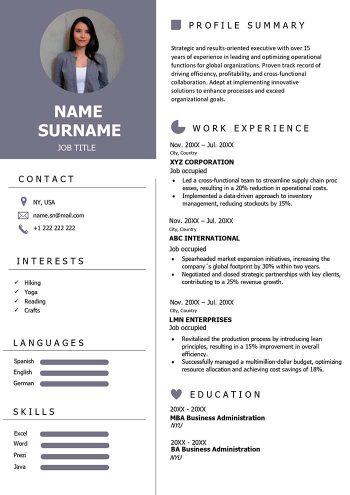
1. Personal Information
Start your CV draft with your name, contact information, and a professional summary. Briefly introduce yourself, highlighting your career goals and key qualifications.
2. Educational Background
List your educational history in reverse chronological order, including the names of institutions, degrees earned, and graduation dates.
3. Work Experience
Detail your work experience, emphasizing achievements and responsibilities relevant to the job you’re applying for. Use action verbs to make your accomplishments stand out.
4. Skills
Highlight your key skills, both technical and soft. Tailor this section to align with the requirements of the job you’re seeking.
5. Achievements and Awards
Include any noteworthy accomplishments or awards that demonstrate your competence and dedication.
6. Certifications and Training
If you have relevant certifications or additional training, showcase them to reinforce your qualifications.
7. Hobbies and Interests (Optional)
While not mandatory, adding a section about your hobbies and interests can provide a glimpse into your personality and character.
8. References
Conclude your CV draft with a list of professional references or a statement indicating they are available upon request.
Also read: Strengths to Put on a Resume
How Do I Draft a CV PDF?
Creating a CV in PDF format ensures that your document looks polished and professional across different devices and platforms. Follow these simple steps:
- Use a Reliable CV Template: Start with a well-designed CV template to maintain a clean and organized layout.
- Choose a Legible Font: Opt for a readable font like Arial, Calibri, or Times New Roman, keeping font size between 10 and 12 points.
- Organize Sections Clearly: Ensure a logical flow by organizing sections in a clear and easy-to-follow manner.
- Save as PDF: After finalizing your CV, save it as a PDF to preserve formatting and prevent any unintentional changes.
CV Draft FAQs
How can I make my CV stand out?
Creating a standout CV involves several key strategies. First, craft a compelling summary at the beginning of your CV, summarizing your career goals and key qualifications. Focus on achievements rather than just listing responsibilities in your work experience section. Tailor your CV for each job application by aligning your skills and experiences with the specific requirements of the job. Use action verbs to showcase your impact and contribution in previous roles. Lastly, ensure that your CV is well-formatted, easy to read, and error-free.
What is the ideal length for a CV draft?
While there’s no strict rule on CV length, it’s generally recommended to keep it concise and focused. Aim for a document that spans one to two pages. Prioritize relevant information, and avoid including unnecessary details. Hiring managers often prefer shorter CVs that quickly highlight your key qualifications. If you have extensive experience, focus on the most recent and relevant roles, ensuring that every detail adds value to your application.